
Advanced Access Control Features
Valid Access combines advanced access control features and security rules; including flexible credential management and intelligent event controls to help organisations manage complex access requirements with greater precision and confidence.

Greater Control for More Demanding Security Requirements
Valid Access provides advanced access control features that go beyond basic door and credential management. From anti-passback and configurable entry rules to threat-level lockdown, occupancy reporting and automated event actions, the platform gives organisations greater control over how access is granted, monitored and managed.
Designed for consultants, specifiers, system integrators and organisations with more complex security requirements, these capabilities can be applied where needed to create access policies that reflect the operational, security and safety requirements of each site.
Advanced Access Control Features at a Glance
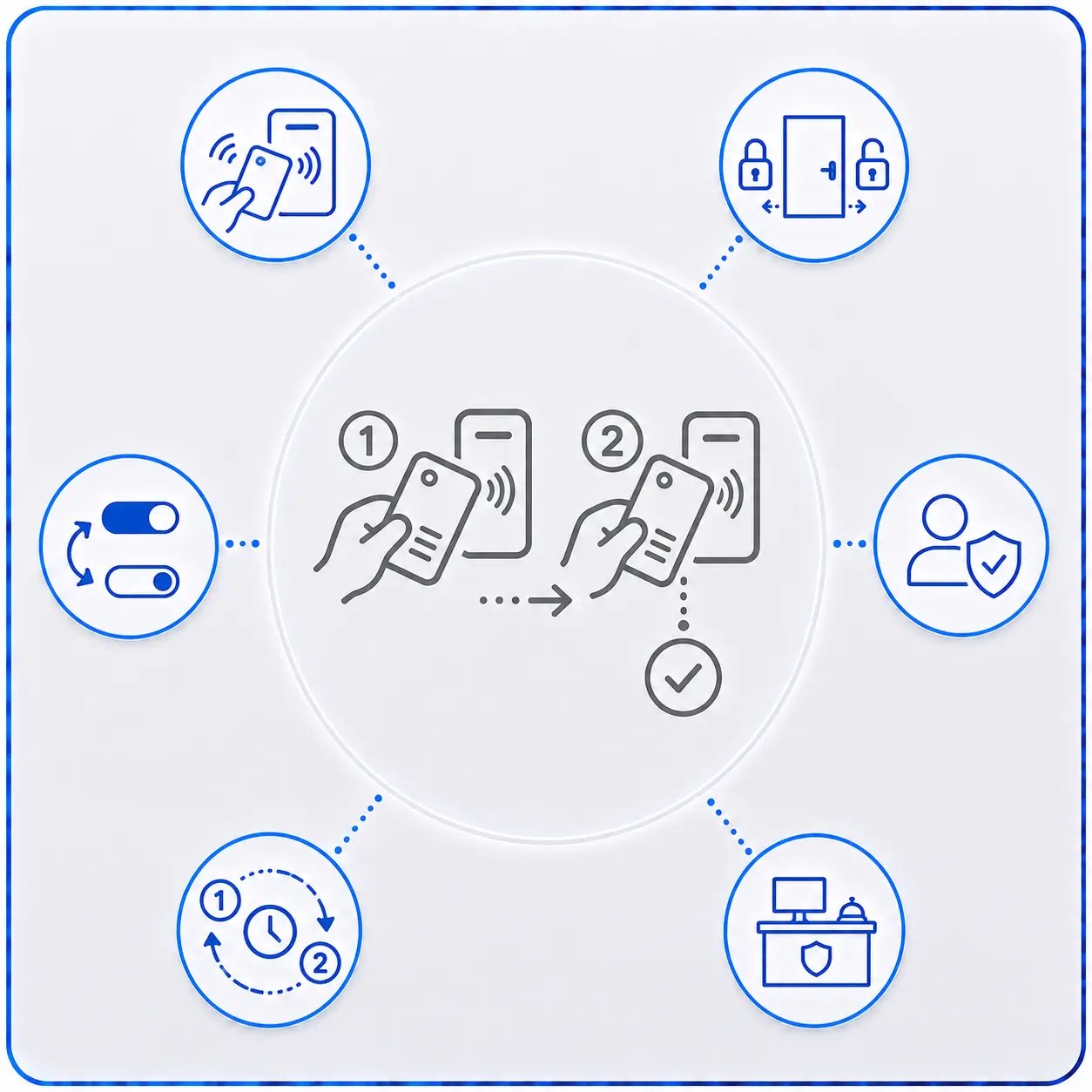
Double Presentation
Configure selected credentials so presenting them twice can trigger an alternative action, such as changing a door between locked and unlocked states.
Sequential Anti-Passback
Hard and soft anti-passback options help prevent credentials from being repeatedly passed between users or used in an invalid entry/exit sequence.
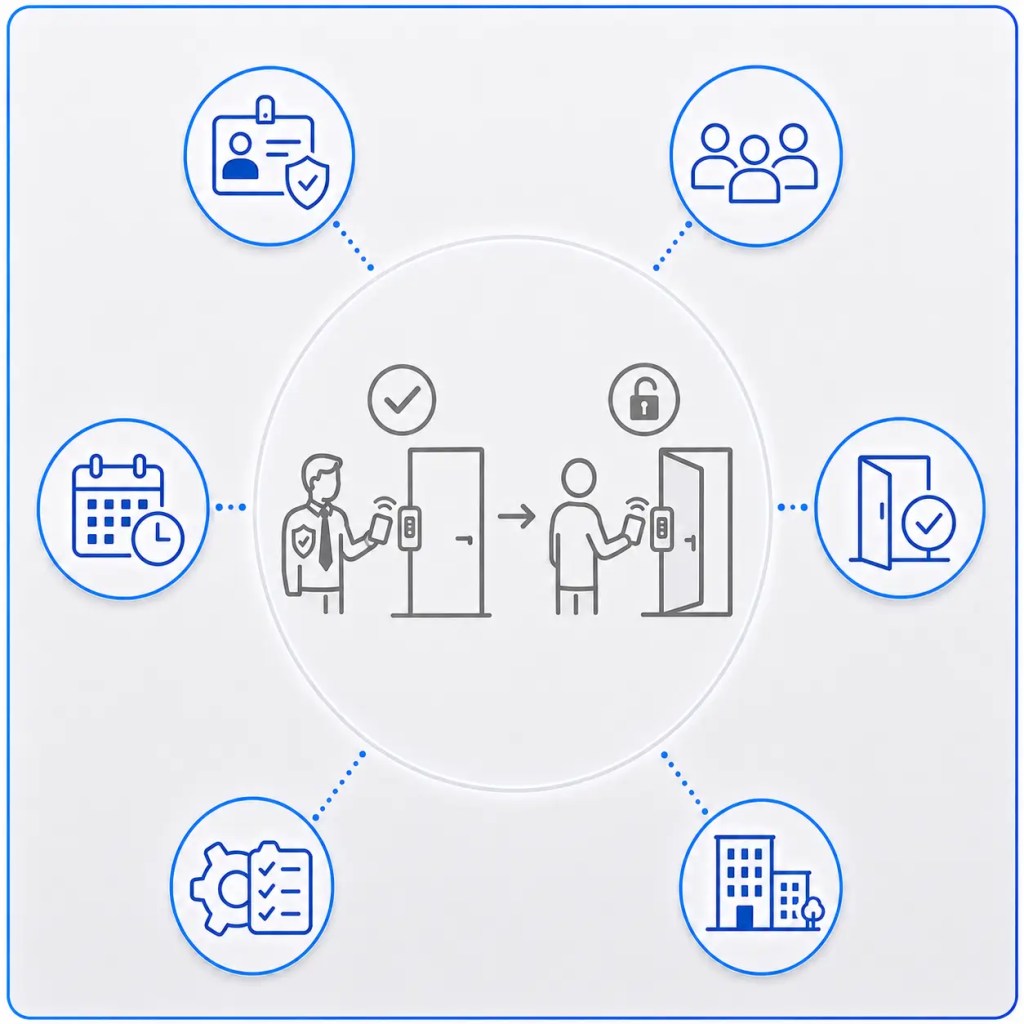
Manager-In Rule
Require an authorised manager to be present before specified users or areas can become accessible, providing additional operational control.
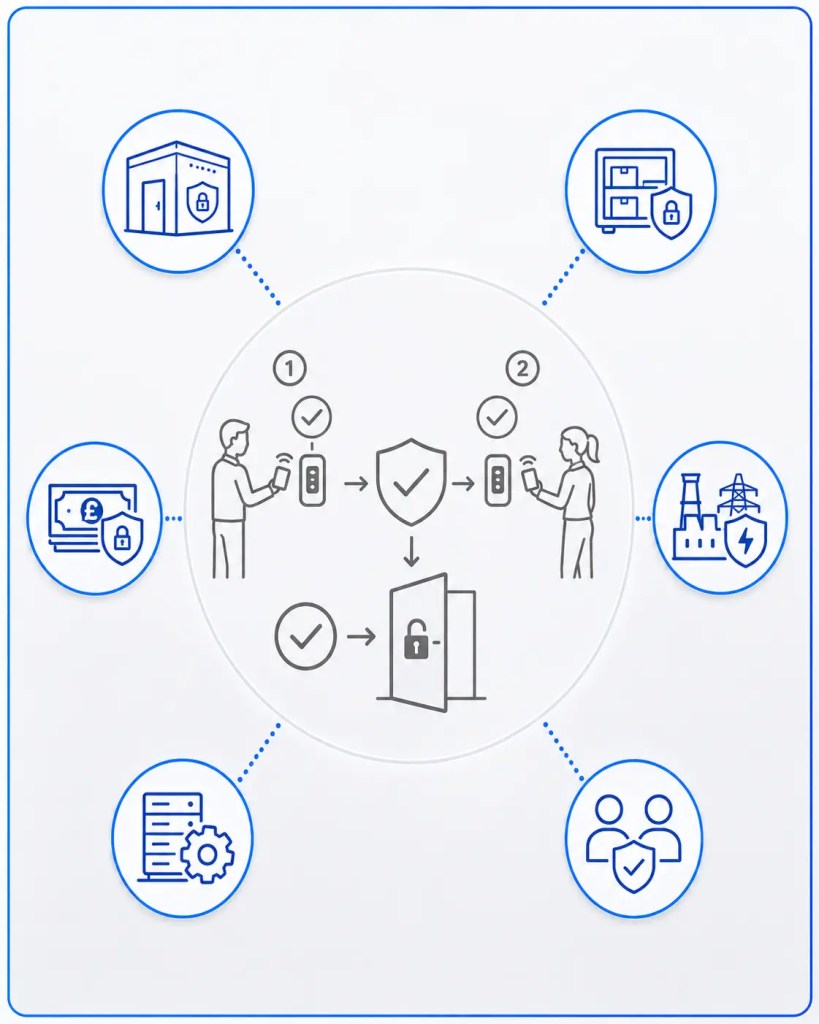
Two-Person-In Rule
Require two authorised individuals to satisfy entry conditions for selected secure areas, providing an additional layer of security.
First Auto-Unlock
Prevent scheduled automatic unlocking until an authorised person has arrived and presented a valid credential.
Safety Check-In
Use access activity to support employee check-in processes and provide greater visibility of personnel entering or using designated areas.
Reporting
Monitor occupancy information and generate muster information to help identify who may be present within defined areas during an incident or evacuation.
Double Presentation: Add an Additional Action to a Credential
Double Presentation allows selected credentials to perform an alternative action when presented twice within a defined sequence.
For example, an authorised credential could be configured to toggle a door between locked and unlocked states, providing selected users with additional control without requiring a separate management interface.
This can be particularly useful for authorised managers, reception areas or facilities where opening and closing arrangements need to be controlled locally.
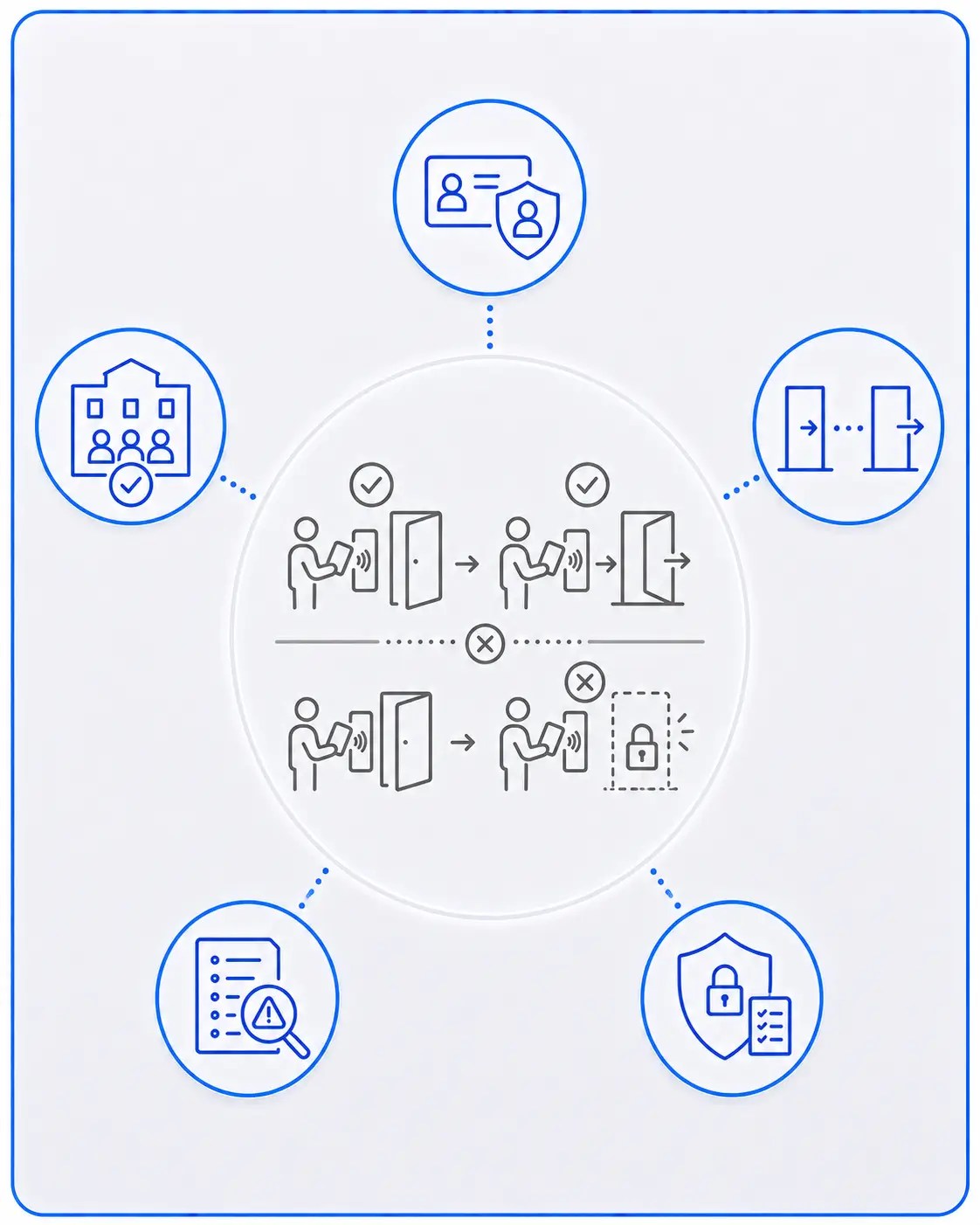
Anti-Passback: Help Prevent Credential Sharing and Invalid Access Sequences
Valid Access supports hard and soft sequential anti-passback, helping organisations control how credentials are used when entering and leaving secured areas.
Anti-passback can identify situations where a credential is presented in an unexpected sequence; for example, attempting to enter again without first recording an exit.
Depending on the required security policy, the system can either prevent the access attempt or record the event for review.
Anti-Passback Can Help With:
+
Reducing credential sharing
+
Maintaining more accurate occupancy information
+
Enforcing controlled entry and exit sequences
+
Identifying unusual credential activity
+
Supporting higher-security access policies
Manager-In Rule: Require an Authorised Manager Before Access Begins
The Manager-In Rule enables access permissions to depend on the presence of a designated manager or authorised individual.
This can be useful where employees should not be able to access a building, department or controlled area until an appropriately authorised person has arrived.
Once the required manager condition has been satisfied, normal access permissions can take effect according to the organisation’s configured rules.
This provides an additional layer of operational control without requiring administrators to manually enable and disable user access each day.
Two-Person-In Rule: Additional Protection for Sensitive Areas
For environments where one person should not enter a protected area alone, Valid Access can apply a Two-Person-In Rule.
Access can be configured so that two appropriately authorised credentials are required before entry conditions are satisfied.
Typical applications may include:
+
High-security rooms
+
Sensitive storage areas
+
Cash-handling environments
+
Critical infrastructure
+
Restricted technical facilities
+
Areas where lone working is undesirable

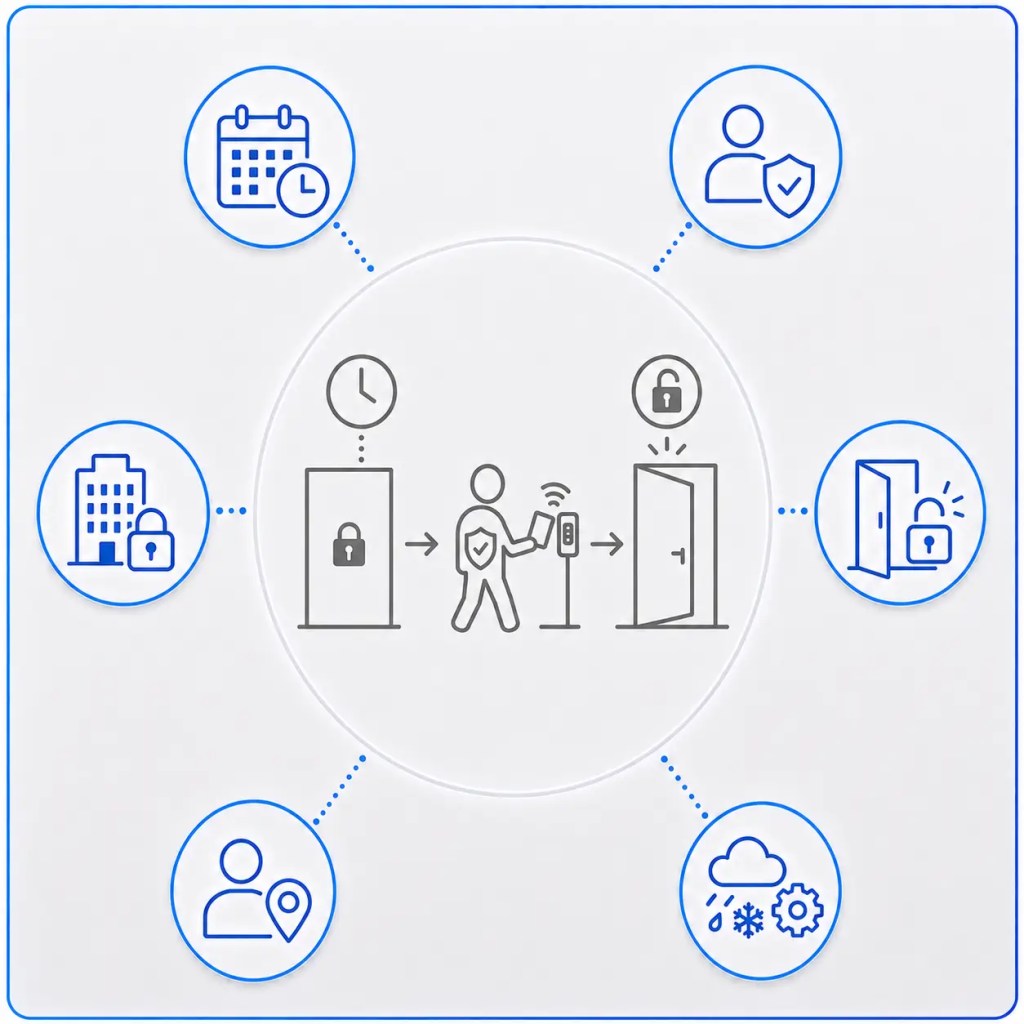
First Auto-Unlock: Prevent Automatic Opening Until Someone Arrives
Scheduled door unlocking can be convenient, but automatically opening an unoccupied building may not always be desirable.
First Auto-Unlock allows a scheduled unlock to remain pending until an authorised user has arrived and presented a valid credential.
This means a building can follow its normal operating schedule without automatically becoming accessible when nobody is present.
It can be particularly useful during unexpected closures, delayed openings or severe weather conditions where the normal timetable may no longer apply.
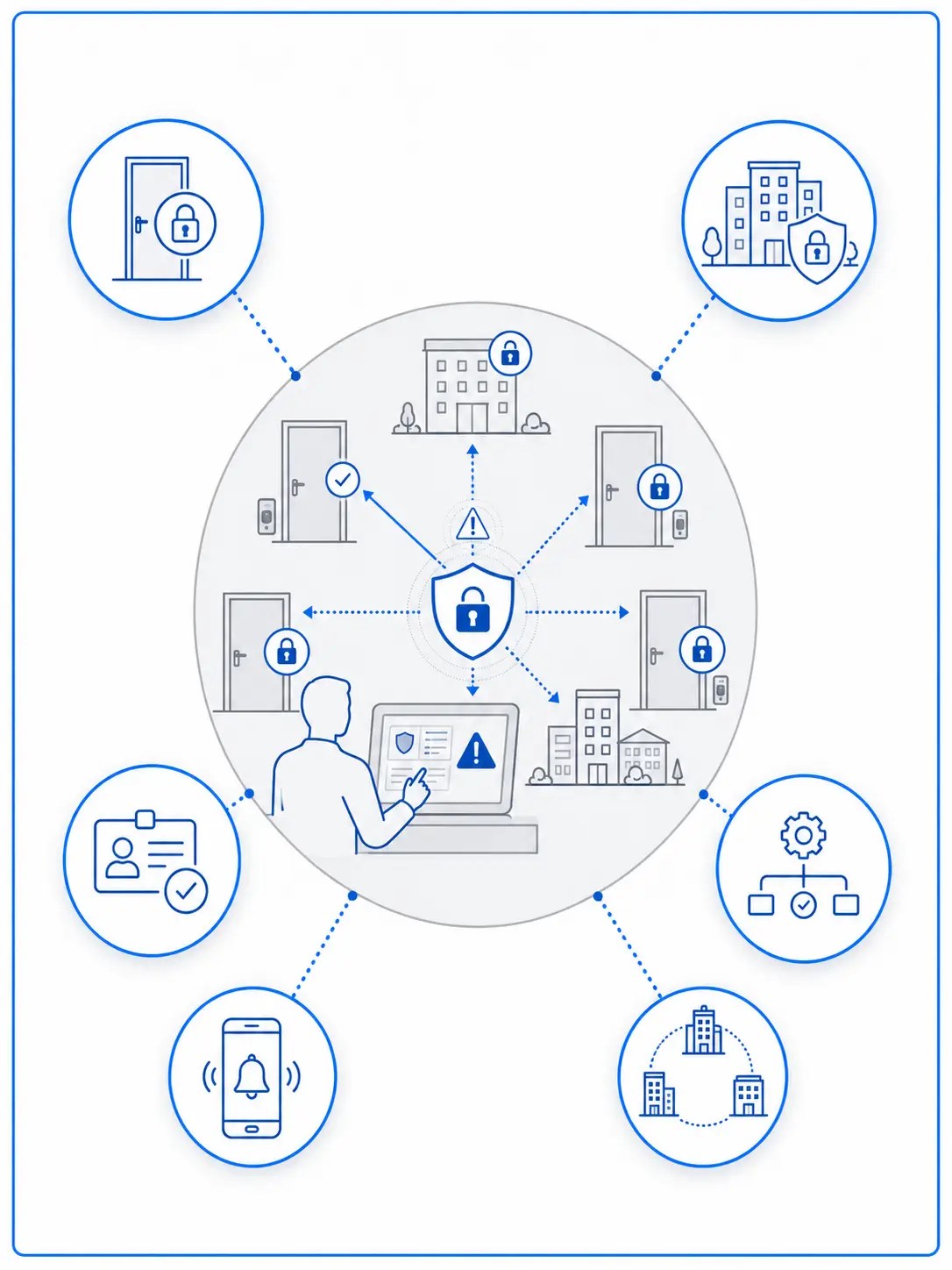
Threat Level & Lockdown Management: Respond Rapidly to Changing Security Conditions
Valid Access supports configurable threat levels and lockdown actions, allowing organisations to define how doors and other system functions should respond during different security situations.
Authorised administrators can activate predefined responses across individual areas, buildings or wider estates, helping security teams take coordinated action without having to manage every door independently.
Depending on the system configuration, this may include:
+
Locking selected doors
+
Initiating wider lockdown procedures
+
Changing access permissions
+
Triggering predefined event actions
+
Alerting authorised personnel
Threat-level management can form part of an organisation’s wider emergency preparedness and protective security procedures and to help comply with The Terrorism (Protection of Premises) Act 2025 (Martyn’s Law).
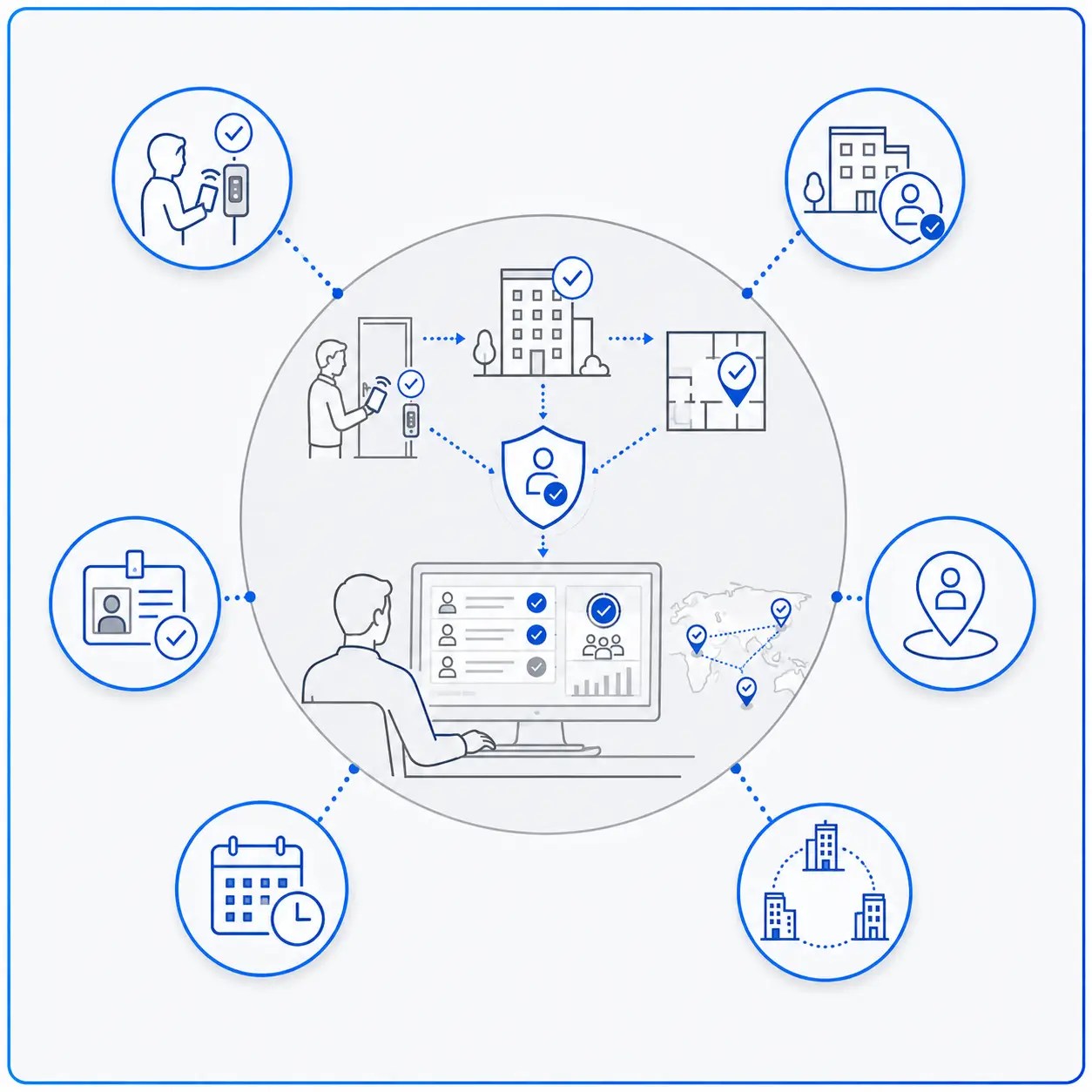
Safety Check-In: Improve Visibility of Personnel On Site
Safety Check-In functionality can use access activity to provide greater visibility of whether individuals have arrived at or entered designated areas.
This can support organisations that need additional awareness of staff presence, particularly where employees work across distributed sites, isolated locations or areas with specific operational procedures.
Used alongside other access data, check-in information can provide administrators with a clearer picture of personnel activity across the estate.
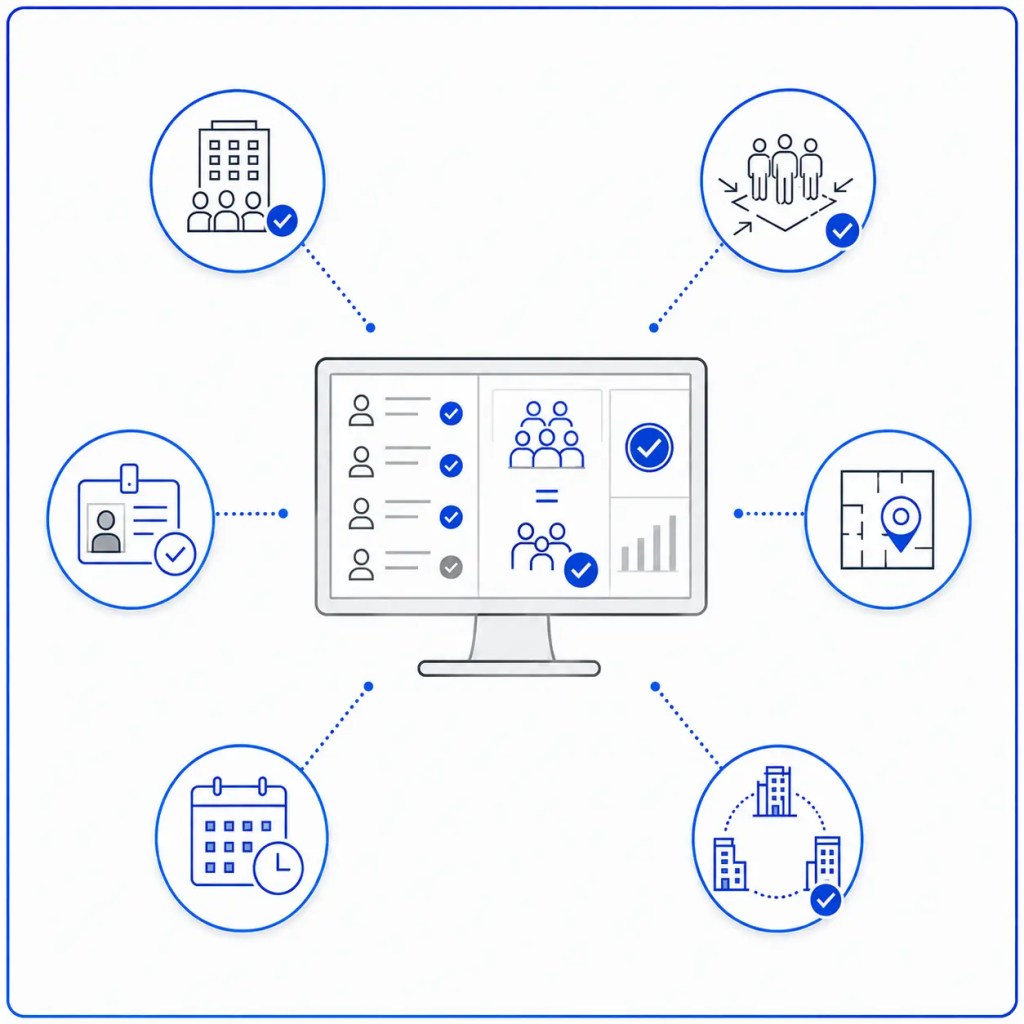
Occupancy & Muster Reporting: Know Who May Be in the Building
Valid Access can use access activity to support occupancy and muster reporting, helping authorised personnel understand who may be present within defined buildings or areas.
During everyday operation, occupancy information can provide useful insight into building usage. During an evacuation or other incident, muster reporting can help organisations compare recorded access activity with personnel accounted for at designated assembly points.
These tools provide valuable information to support wider site management and emergency procedures, as expected with the The Terrorism (Protection of Premises) Act 2025 (Martyn’s Law).
Greater Flexibility. Greater Control.
Valid Access gives organisations the tools to move beyond basic credential-and-door management and create access policies around the way their facilities actually operate.
Whether the requirement is preventing credential misuse, controlling access to sensitive areas, improving emergency response or automating security actions, Advanced Access Control Features provide the flexibility to configure stronger security without introducing unnecessary complexity.

You must be logged in to post a comment.